Change a photo background
Replace a busy room, dull wall, or unwanted setting with a clean studio, outdoor scene, branded color, seasonal backdrop, or any environment you describe.
Change backgrounds, remove unwanted objects, retouch portraits, and restyle product or social photos with simple text.

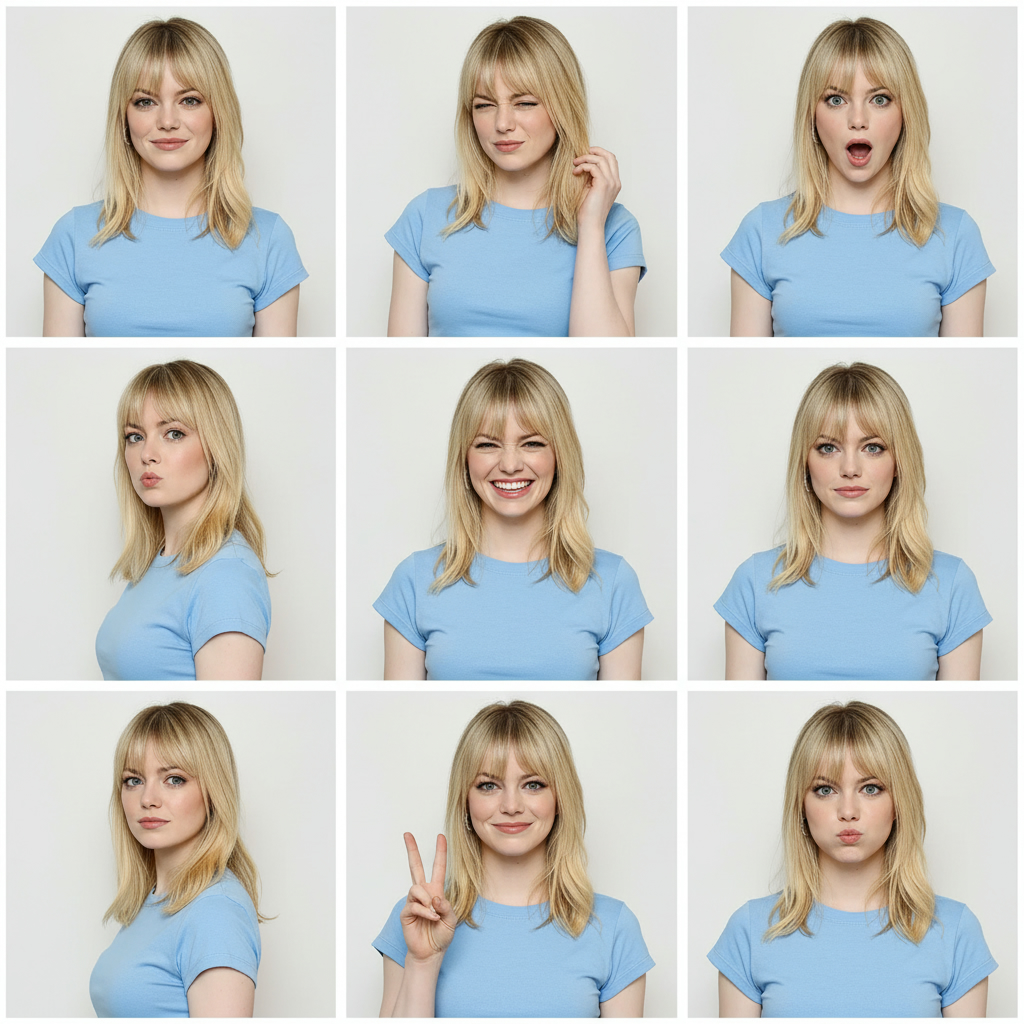


Upload a photo and describe the result you want in everyday language. Clean up distractions, try a new background or outfit, polish a portrait, restyle an image, or turn a simple product shot into content for your shop and social channels.
Replace a busy room, dull wall, or unwanted setting with a clean studio, outdoor scene, branded color, seasonal backdrop, or any environment you describe.
Clean up photobombers, clutter, signs, props, and other distractions while asking the editor to preserve the main subject and composition.
Improve lighting, tidy small distractions, change an outfit, or give a casual portrait a polished professional look for profiles, resumes, and team pages.
Turn a basic product shot into an ecommerce image, ad concept, poster, thumbnail, or social post without rebuilding the scene in a traditional photo editor.
Turn a casual selfie into a polished profile photo for LinkedIn, resumes, portfolios, and team pages.
Build a campaign-ready poster around an existing product image and message.
Start from an idea when you do not already have a photo to edit.
Animate an edited photo for product promos, social posts, story scenes, and short videos.
Upload one or more JPG, PNG, or WebP images, then write what you want changed. For example: ‘replace the office background with a bright studio and keep the person unchanged.’ Choose the image shape and format, generate the edit, and refine your wording if needed.
Yes. You can use natural language to request a new background, remove an object, change colors or clothing, improve lighting, restyle the scene, or add a new element. You do not need to write technical instructions.
Yes. Describe the background you want and mention what must stay the same. A specific request such as ‘replace only the background with a white ecommerce studio’ usually gives clearer direction than simply saying ‘make it better.’
Identify the unwanted element and its location, then ask the editor to remove it and rebuild the space naturally. Also name the subject, text, or product details that should remain unchanged.
Yes. Common uses include profile pictures, professional headshots, outfit changes, portrait retouching, clean ecommerce backgrounds, product scenes, ad concepts, thumbnails, and social media graphics.
Be clear about the single main change, then add the desired lighting, setting, camera feel, and details to preserve. If the result changes too much, simplify the request and explicitly say which face, product, logo, or composition must stay the same.