Choose Story for scenes and characters
Use a song and visual style to guide generated scenes. Up to two optional character images can guide appearance. Start with a preview and review it before approving the full-video continuation.
Create generated scenes with Story Music Video, or let the track drive graphics in Music Visualizer. Choose a workflow here; upload and review your music on the next page.
Open Story video historyWatch completed story videos for visual direction, then review your own preview.
18 animated templates
Find the motion that fits your music. Pick an animation, then add your song, artwork, and lyrics in the visualizer.
Silent demo previews. Your song drives the animation in the editor.
Clean glowing bars for fast, flexible exports.
Use templateRetro tape deck with reactive reels, LEDs, and VU needles.
Use templateA glowing oscilloscope ribbon that flexes around a center line.
Use templateSpectrum bars mirrored above and below the center for a symmetric look.
Use templateA radiant 360-degree spectrum wrapped around a pulsing center.
Use templateLayered electric ribbons with a bright oscilloscope glow.
Use templateConcentric neon ripples expand and flash with every low-end hit.
Use templateOrbiting particles accelerate, scatter, and sparkle across the mix.
Use templateYour artwork breathes with the bass inside a glowing record-style frame.
Use templateA soft organic form stretches, ripples, and changes shape with the mix.
Use templateStars rush toward the viewer as the track grows louder and faster.
Use templateA wall of luminous tiles maps every frequency band into color.
Use templateFlowing color fields blend, drift, and swell with the song's energy.
Use templateMirrored geometric color slices rotate and bloom with each frequency layer.
Use templateA spinning record, glowing groove, and tonearm move with the beat.
Use templateFrequency history becomes a rolling neon landscape with depth and motion.
Use templateElectric branches snap across the frame on percussion and bright frequencies.
Use templateElegant flowing lines trace bass, mids, and treble with a restrained look.
Use template12 visual styles
Give your song a world of its own. Choose a visual style, then bring your story and characters to life.
Style illustrations. Your video is generated from your song and characters.
Playful animation for children's songs, sing-alongs, and family stories.

Gentle manga-inspired animation with expressive faces and colorful storybook worlds.
Use this style
Storybook wonder, expressive 3D characters, and warm, magical lighting.
Use this style
Bold 2D shapes, bouncy movement, and cheerful Saturday-morning cartoon energy.
Use this style
Cute pastel characters, tiny cozy worlds, and soft, simple animation.
Use this styleExpressive film, collage, and illustration styles for every kind of song.
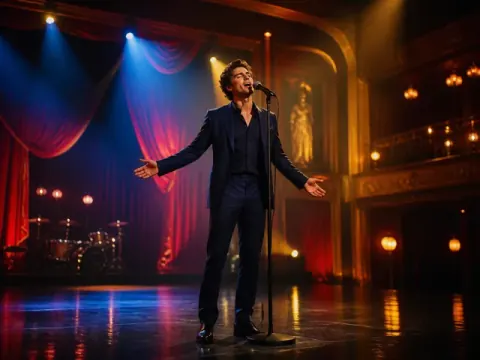
Luminous theatrical color and graceful musical staging.
Use this style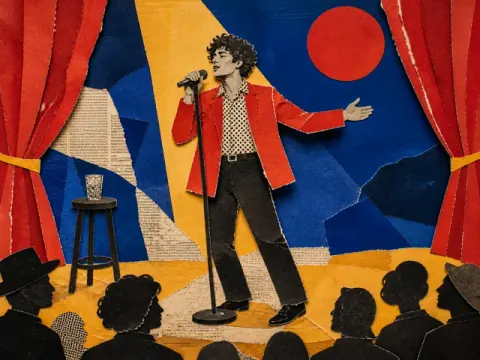
Torn paper, magazine layers, and tactile stop-motion energy.
Use this style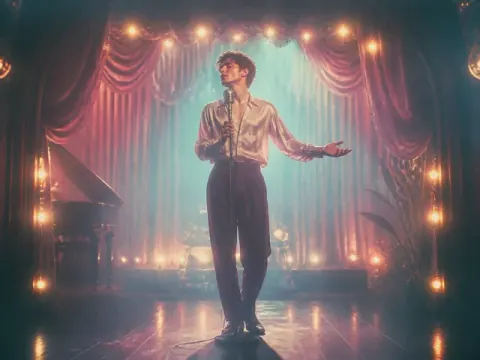
Soft halation, pastel light, and intimate analog texture.
Use this style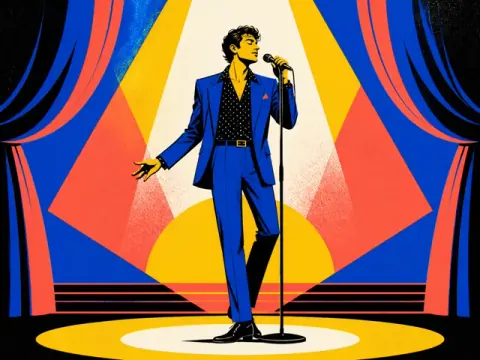
Bold poster color, crisp silhouettes, and editorial rhythm.
Use this styleExpressive street visuals, bold performances, and dance-floor energy for rap, hip-hop, and dance music.
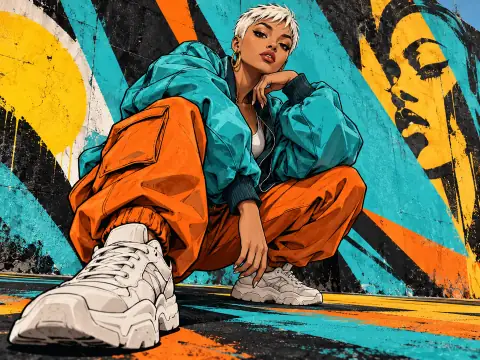
Colorful graffiti, bold outlines, and expressive painted textures.
Use this style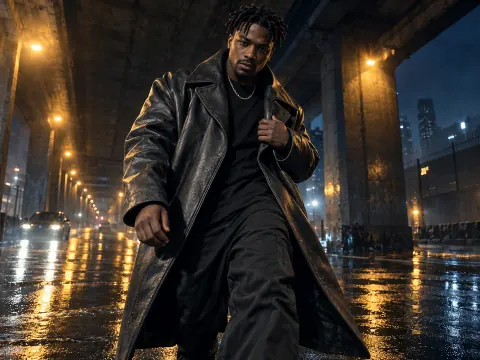
City streets, dramatic lighting, and confident cinematic performances.
Use this style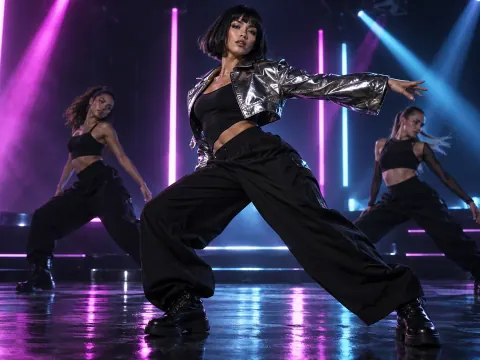
Colorful spotlights, glowing silhouettes, and energetic dance floors.
Use this style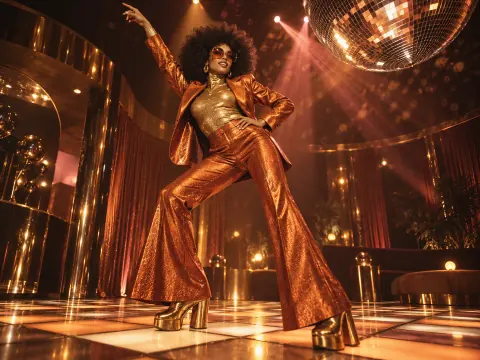
Mirror balls, glitter, warm colors, and seventies-inspired style.
Use this styleFor a song about returning home, choose Story if you want locations, characters and a visual journey. Prepare the final mix, pick a style and review whether the generated preview fits the song before approving more work.
Choose Visualizer if you want the music, artwork or words to remain the main focus. Start with a template, check the movement against the audio and review any recognized lyrics before export. An instrumental can use the same approach with lyrics off.
These are separate projects and creation steps. Compare what each needs rather than assuming settings or results transfer automatically. Browse all creative applications or check pricing before choosing paid operations.
Use a song and visual style to guide generated scenes. Up to two optional character images can guide appearance. Start with a preview and review it before approving the full-video continuation.
Use an audio-reactive template when a waveform, spectrum or animated design should carry the track. Add optional artwork and lyrics; generated narrative scenes are a different workflow.
If there are no words to display, leave lyrics off and focus on the graphics. If the lyrics suggest a story, compare that idea with the Story route.
Plan generated scenes around a song and review the preview.
Choose audio-reactive graphics, optional artwork and lyrics.
Use the music generator if you still need the audio track.
Render a basic visualizer in your browser without an account or media upload.
The buttons open separate creation pages. Upload audio and choose settings there. Watching examples does not start a task.
Choose Music Visualizer when displayed words and audio-reactive graphics are the focus. Optional lyric recognition uses credits and needs review. Story uses the song to guide generated scenes; lyric-aware planning is different from displaying a lyric track.
Prepare the audio file you want to use. For Story, choose a visual style and optionally character images. For Visualizer, choose a template and optional background artwork. File limits and supported formats are shown in the selected workflow; this page does not import music-service links.
Both account workflows require sign-in and upload media. Story requires eligible paid subscription access and approved generation credits; preview and continuation are separate decisions. Visualizer renders locally, but optional cloud lyric recognition uses credits. The free local visualizer is a separate route.
The account Visualizer can open its saved composition in the editor and export in the browser. Story has its own generated preview and completed-video flow. Review and download within the workflow you chose.