
Shine On, Olivier
Birthday3:34
Describe the theme and sound you want, or bring lyrics and a musical style. Generate a vocal song, listen to the available results and keep the version that fits your idea.
Made with DojoClip
Press play. Find your next idea.
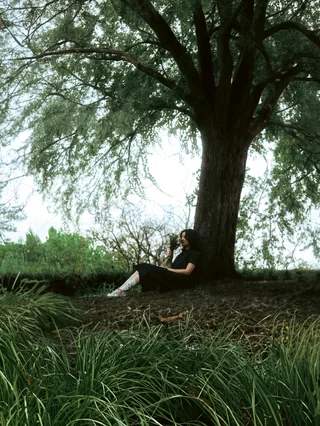

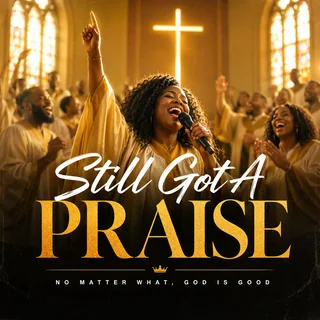

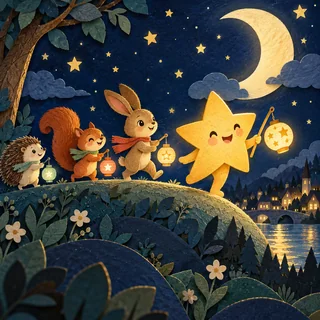
In Prompt mode, try: “An upbeat indie-pop song about finding the courage to move to a new city, with bright guitars, a steady drum groove and a hopeful chorus.” Give the model a coherent direction rather than many conflicting genres.
If you already wrote the words, switch to Lyrics. Paste a short verse and chorus, add a musical style and title, then review the text before generating. The section shortcuts organize the draft; they do not guarantee exact timing.
Listen from the opening through the ending. Compare the sung words with the available lyrics, then download a completed take. A changed prompt submitted again is a new generation. For visuals, choose a music-video workflow; consult pricing before further paid requests.
Use Prompt mode for a scene, feeling or theme. Describe the genre, instruments and energy you imagine rather than searching for a preset.
Use Lyrics mode to supply the words, a style description and title. Section labels can guide structure; listen for skipped words, repetition and pronunciation.
Explore a sung theme for a project or a musical opening. The form does not set an exact track duration, so review the returned arrangement.
Use the dedicated birthday, rap, gospel or photo-to-music pages for their focused starting prompts. They are separate entry points linked below.
Prompt mode asks the model to interpret a song idea. Lyrics mode lets you provide the words and describe the music separately. It still generates a new performance; it is not a recording of your voice or an exact transcription tool.
Use this form for vocal songs. It has no instrumental toggle, model selector, voice-cloning input, duration selector or tempo slider. You can describe vocal character or pace in text, but these are creative requests rather than exact controls.
Describe the musical direction and write lyrics in the language you want. There is no separate language selector. Check pronunciation, words and arrangement in the result; the requested language, structure and style are not guaranteed.
Available results appear as audio tracks with playback and associated text. This page does not upload recordings for covers, extensions or stem editing. Download completed tracks in the available format; there is no WAV/MP3 export selector.
Sign in to generate. Generation uses account credits; check current pricing. Refresh checks an existing task, while Generate starts new work. No fixed completion time or exact number of finished alternatives is promised.
Share creates a public link after you confirm; anyone with the link can listen without an account. To make a video, download the track and bring it to a music-video workflow. Generating a song does not automatically generate its video.