Outdoor advertising concepts

Create an AI billboard ad mockup

Place a product visual or logo in a generated urban billboard scene. Add a short headline and choose a still image or video for a presentation or creative review. These are visual concepts, not real billboard reservations or print-production files.

Product image

0/160

Output type

Recent runs

Track finished ad images and videos in one place.

Source image
+
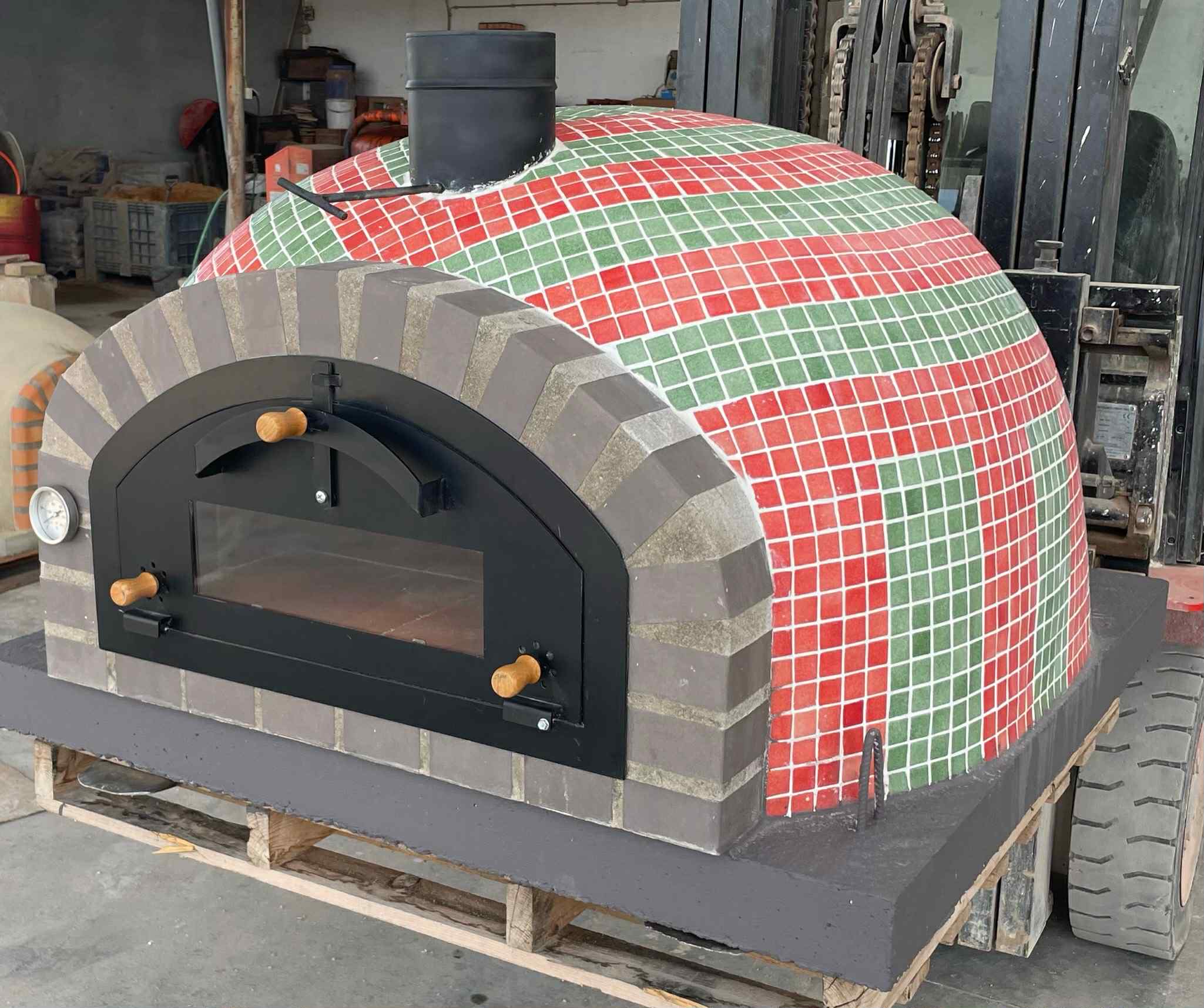
MisterOvens, Made in Portugal

Preview a billboard concept

1

Upload the visual to feature

Sign in and select one JPG, PNG or WebP image up to 10 MiB. Use a clear product photo, logo or simple artwork, and wait for the upload to finish.

2

Write one required headline

Enter the campaign line you want represented, up to 160 characters. Focus on one message that remains understandable when the billboard occupies only part of the scene.

3

Generate and review the output

Choose Image for a still or Video for automatic image creation followed by animation. Generation uses credits. Open the available result in history and inspect the artwork and words before downloading.

See the ad in its surroundings

A billboard-focused scene

The composition places the ad on a large urban or roadside billboard. The surrounding environment gives context for reviewing scale, contrast and visual emphasis.

Still or motion review

A still helps assess the overall composition. Video is directed to keep the billboard prominent while adding environmental and camera movement; inspect the whole clip for unintended changes.

Preset output with saved results

Output uses a 16:9 frame. Still generation is Nano Banana Pro at 1K in PNG; there are no model or resolution selectors. History provides available image previews, video playback and downloads.

Review the message at the scale of the whole scene

For a headphone launch, choose a clean image that shows the product silhouette and use a brief line such as “Make room for music.” Start with an image if the discussion is about the message and overall visual balance. You do not need to describe a whole city scene in the headline field.

Review the full composition at presentation size before enlarging the ad. Is the product recognizable? Does the headline separate from the background? Is important artwork hidden by perspective or the billboard structure? Then zoom in to check letters, logos and product details against the source.

For a motion concept, watch beyond the opening frame. The billboard should remain readable while the environment moves, but this needs visual checking. Choosing Video starts a new image-to-video request; it does not animate a previously approved still from history.

If the design needs an exact price, detailed terms or editable typography, prepare it with Design Agent. Explore DojoClip applications for other mockup surfaces and creative workflows.
Billboard mockup questions

Can I choose an exact street, building or billboard?

This form accepts one product or brand image, the required headline and an Image/Video choice. It does not offer a location picker, a separate street-reference upload or physical billboard dimensions. The setting is generated from the preset scene direction.

Does 16:9 describe the billboard itself?

It describes the overall image or video frame, including the surroundings. The depicted billboard is part of that scene. The result is not an artwork file sized to a media owner’s panel specifications.

Can I approve the image before it becomes a video?

Video mode creates a new billboard image and continues to video automatically. There is no intermediate approval step or selection of an older generated still. Choose Image when you want only a static concept.

How are image and video credits different?

An image request uses image-generation credits. Video includes both image and video generation, with both credit components charged when the request is created. Each new submission is a new paid request; Refresh checks existing tasks.

Will the headline and logo remain unchanged?

The source and copy guide generation, but text and branding are not locked layers. Check spelling, logo proportions, product details and invented words. In a video, also watch for changes as the perspective or environment moves.

Is this ready for printing or buying outdoor advertising?

Use the result as a concept for review or a pitch. It does not book space, confirm a real location, supply a measured print file or predict campaign performance. For editable text and layout, use Design Agent before preparing production artwork separately.